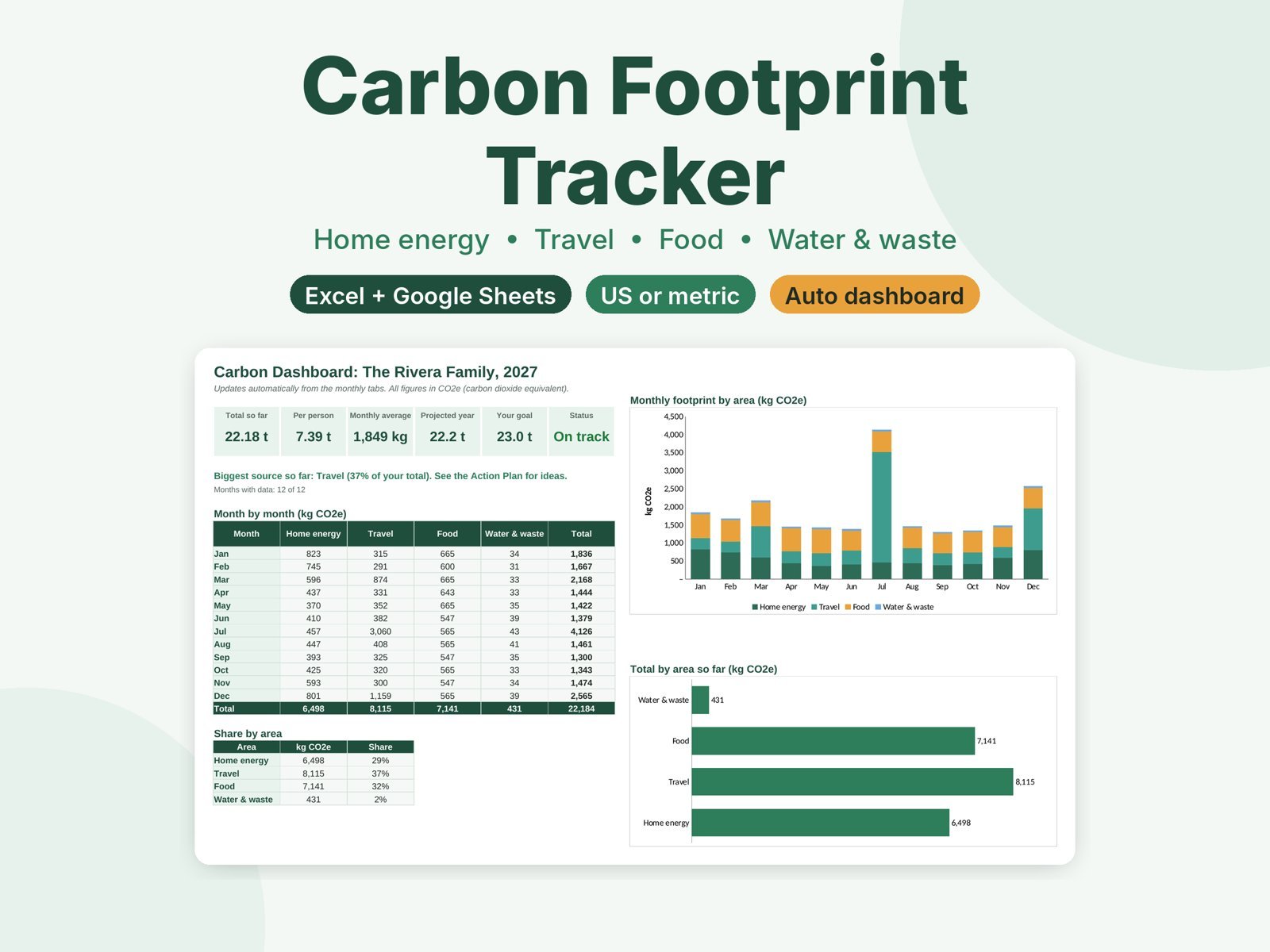

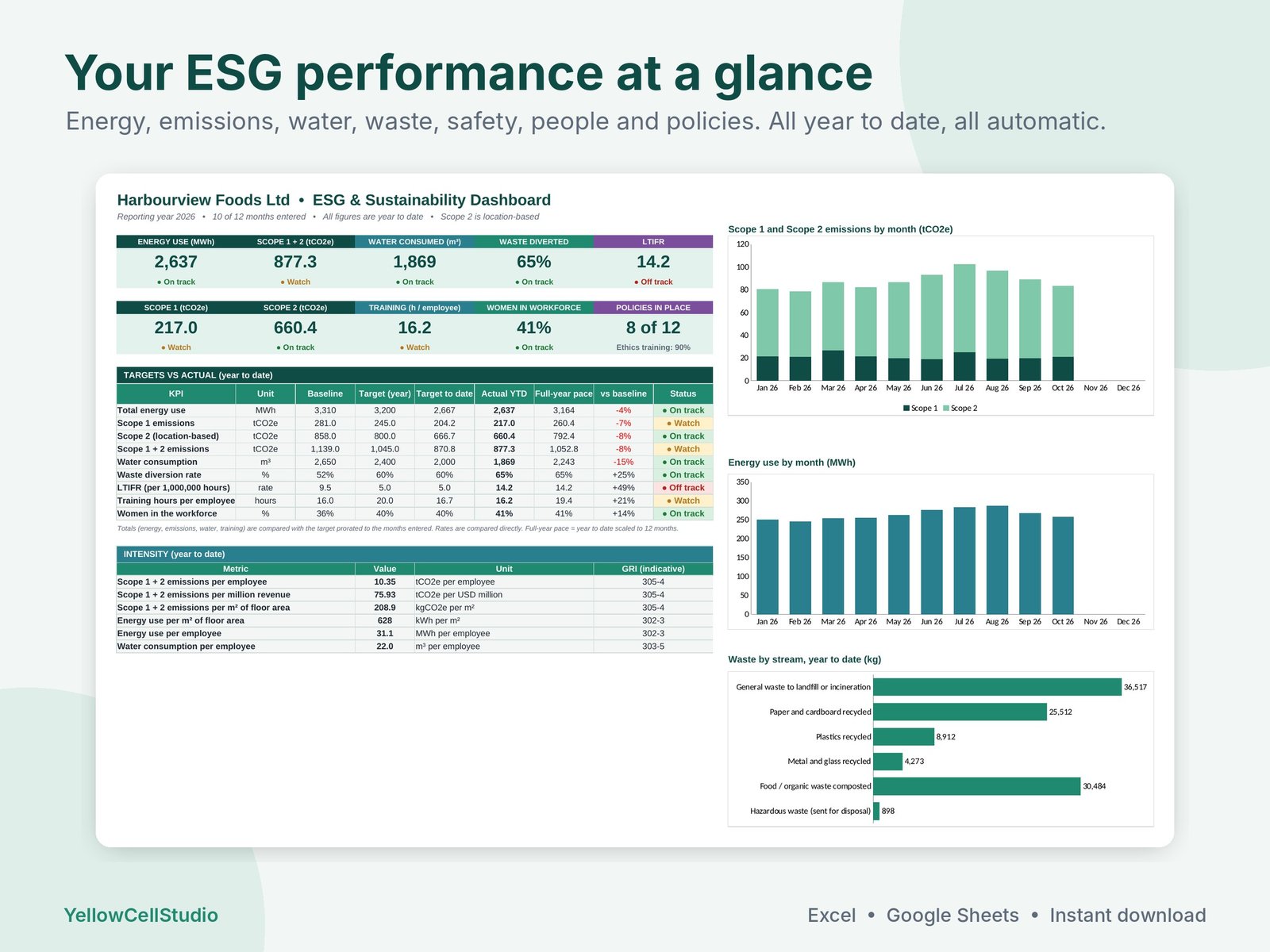
Track energy, Scope 1 and 2 emissions, water, waste, safety, people and governance KPIs month by month against your targets, with traffic lights, intensity ratios and an indicative GRI index. Excel and Google Sheets.
$34.99
Buy on Etsy- Excel and Google Sheets
- Blank and filled-in example
- Instant download
- Secure checkout on Etsy
Your ESG and sustainability KPIs in one clear dashboard. Enter each month’s meter readings, fuel litres, water, waste weights, headcount, hours worked and injuries, and the workbook calculates your Scope 1 and 2 emissions, energy use, diversion rate, LTIFR and intensity ratios, then tracks them against your targets with traffic lights. Made for small and mid-size companies, sustainability officers, HSE and operations managers preparing ESG or sustainability reports.
What’s inside
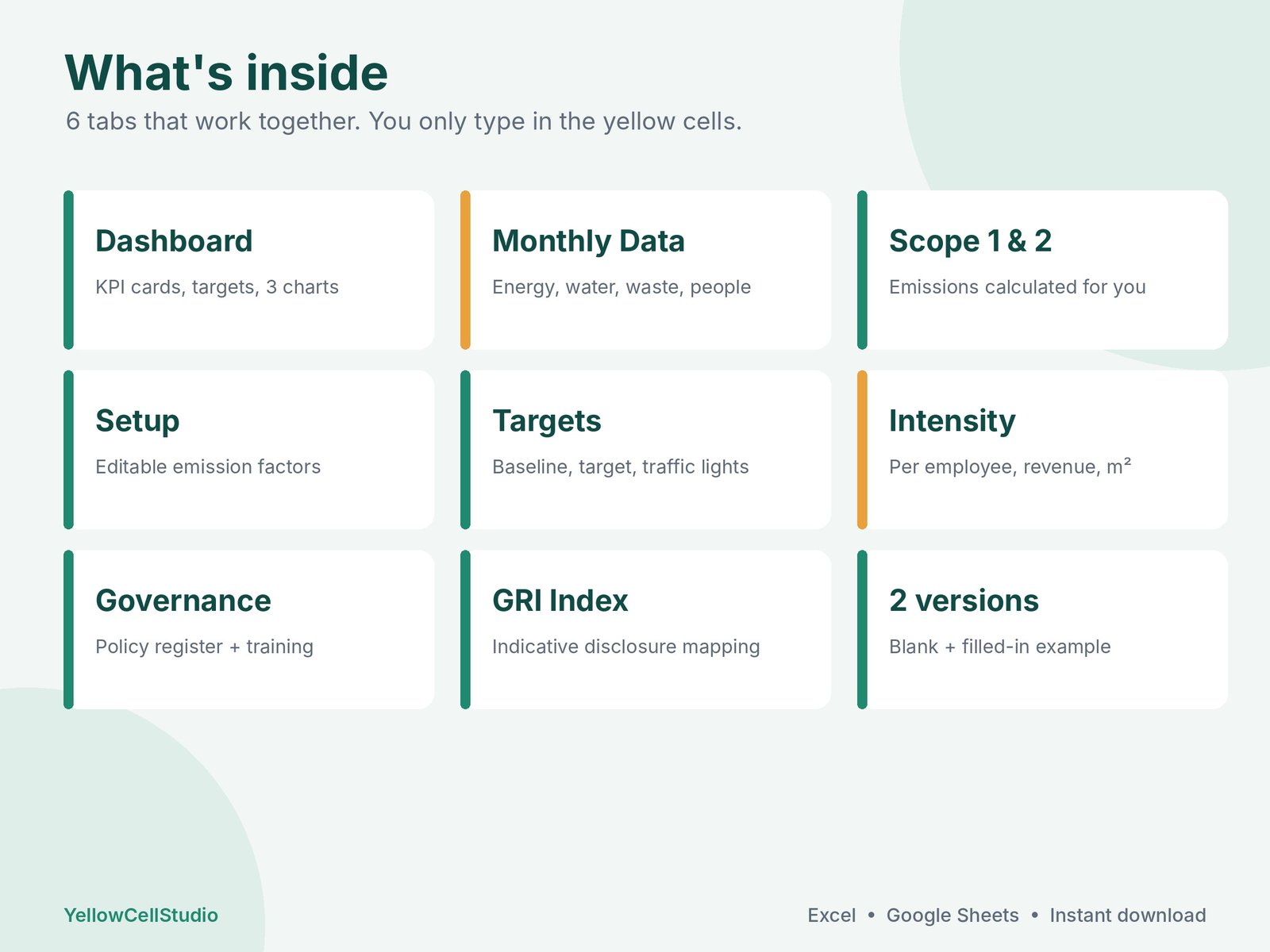
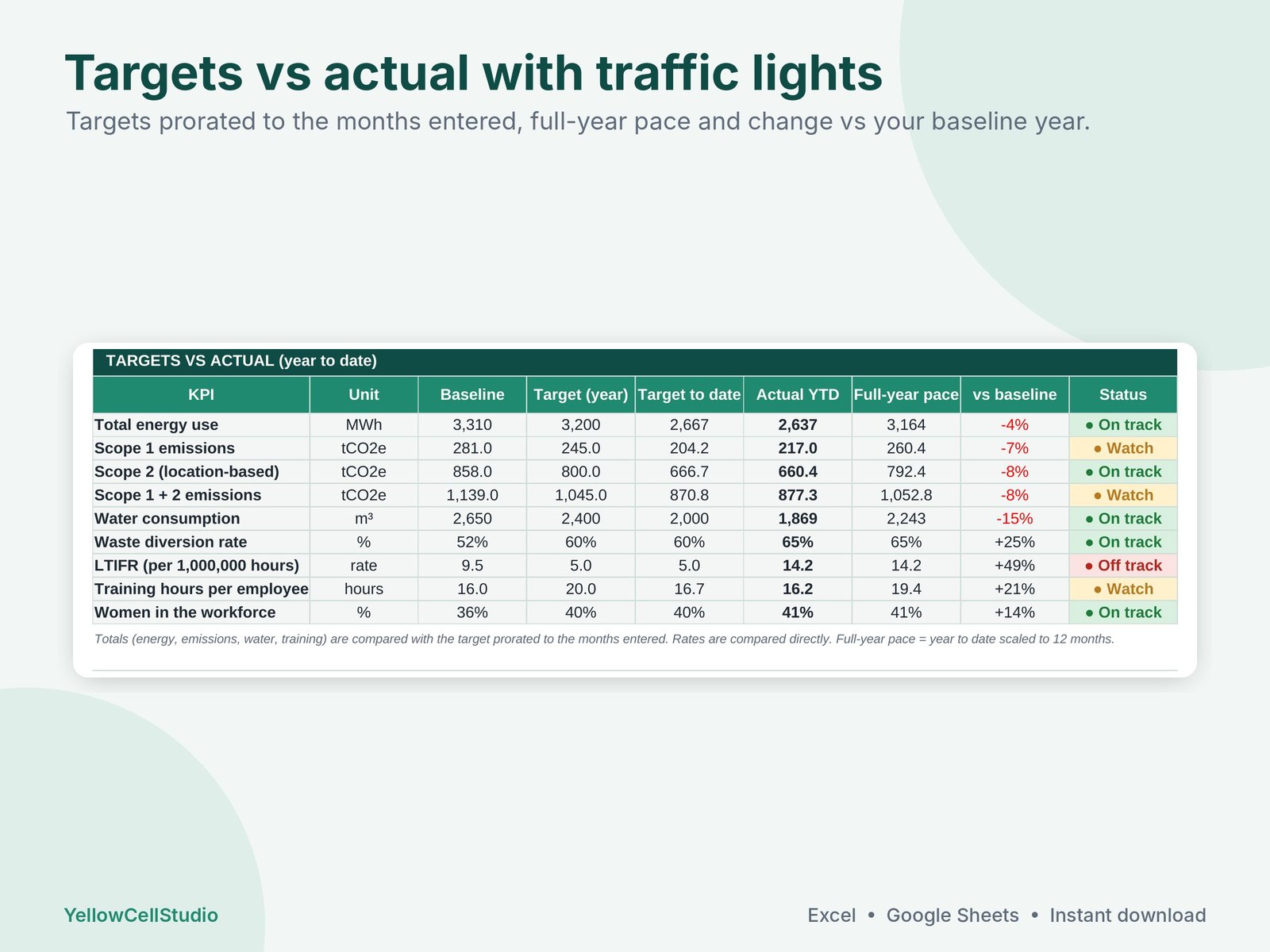
- Dashboard: 10 KPI cards, targets vs actual with On track / Watch / Off track status, intensity ratios and 3 charts
- Monthly Data: energy and fuels, water, waste by stream, people, safety, training and revenue for 12 months
- Scope 1 and Scope 2 (location-based) emissions in tCO2e, calculated automatically
- Setup: editable emission factors (kgCO2e per unit) and energy factors with a notes column for the source, plus baseline year and targets
- Intensity: tCO2e per employee, per million revenue and per m², kWh per m², water per employee
- Governance: policy register with approval and review dates, owners, and ethics / anti-corruption training completion
- GRI Index: indicative mapping of each figure to common GRI disclosures (302-1, 303-5, 305-1, 305-2, 306-3, 403-9, 404-1, 405-1 and more), with notes on what GRI also asks for
- Start Here guide with key terms (Scope 1, Scope 2, tCO2e, LTIFR, diversion rate)
- Blank workbook plus a filled-in example for a fictional food manufacturer
How it works
- Download and open in Excel, or upload to Google Drive and open with Google Sheets.
- On Setup, add your organisation details and replace the example emission factors with official factors for your country and year.
- Enter your baseline year values and this year’s targets.
- Each month, type your figures in the yellow cells. The dashboard, emissions and GRI index update by themselves.
Good to know
- Indicative GRI mapping, not assurance. Check the current GRI Standards and your reporting boundary before publishing.
- The emission factors included are examples. Replace them with official factors for your country and reporting year and note the source.
- Scope 2 uses the location-based method. Scope 3 (value chain) is not included.
- LTIFR = lost-time injuries x 1,000,000 / hours worked.
- Formulas are locked (no password) so they can’t be overwritten by accident.
- Works in Excel 2016 or newer, Excel for Mac, Microsoft 365 and Google Sheets
- Digital download. Nothing will be shipped.
- For use in your own organisation. Please don’t resell or share the file.
- Need help? Message us on Etsy and we’ll get you set up.
Made by YellowCellStudio, a product of QSE Advisory. Every formula is tested in Excel and Google Sheets, and every file is checked by QSE Advisory experts before release.
Questions
Do I need Excel?
No. It works in Microsoft Excel 2016 or newer, Excel for Mac, Microsoft 365 and free Google Sheets.
How do I get the file?
Buy on Etsy and the download link appears straight away. Nothing is shipped.
Is it hard to use?
You only type in the yellow cells. Totals, dashboards and charts update by themselves, and a Start Here tab explains each step.
What if something doesn’t work?
Message us on Etsy. We fix errors fast and will help you set up the file.